Workforce Hub / Forge
Keep a request, its replies, and its status together.
See the documented build
Localis builds custom software and automation around the work that slows your team down. Start with one problem, an agreed price, and a working improvement your team can use before committing to a larger build.
Information gets lost between people. The same details are entered more than once. Owners spend time chasing updates. Start with one of those problems. Review the existing tools, then agree on a useful improvement.
Follow one recurring task. Agree on the problem and what a useful improvement would look like.
Agree on scope and price before building. Test the agreed improvement with the people doing the work.
Decide what to keep, change, or cut. Scope production connections and support separately.
Bring it to a free 15-minute workflow check. We’ll look at how you handle it now and suggest one practical next step. You’ll receive a short recap with the likely friction point, one recommendation, and whether a deeper review would help.
One task, one recommendation. No account access or custom build required. No obligation to buy.
Get my free workflow checkEach demonstration follows a real operating flow from the first action to the record an owner, manager, or customer needs to see.
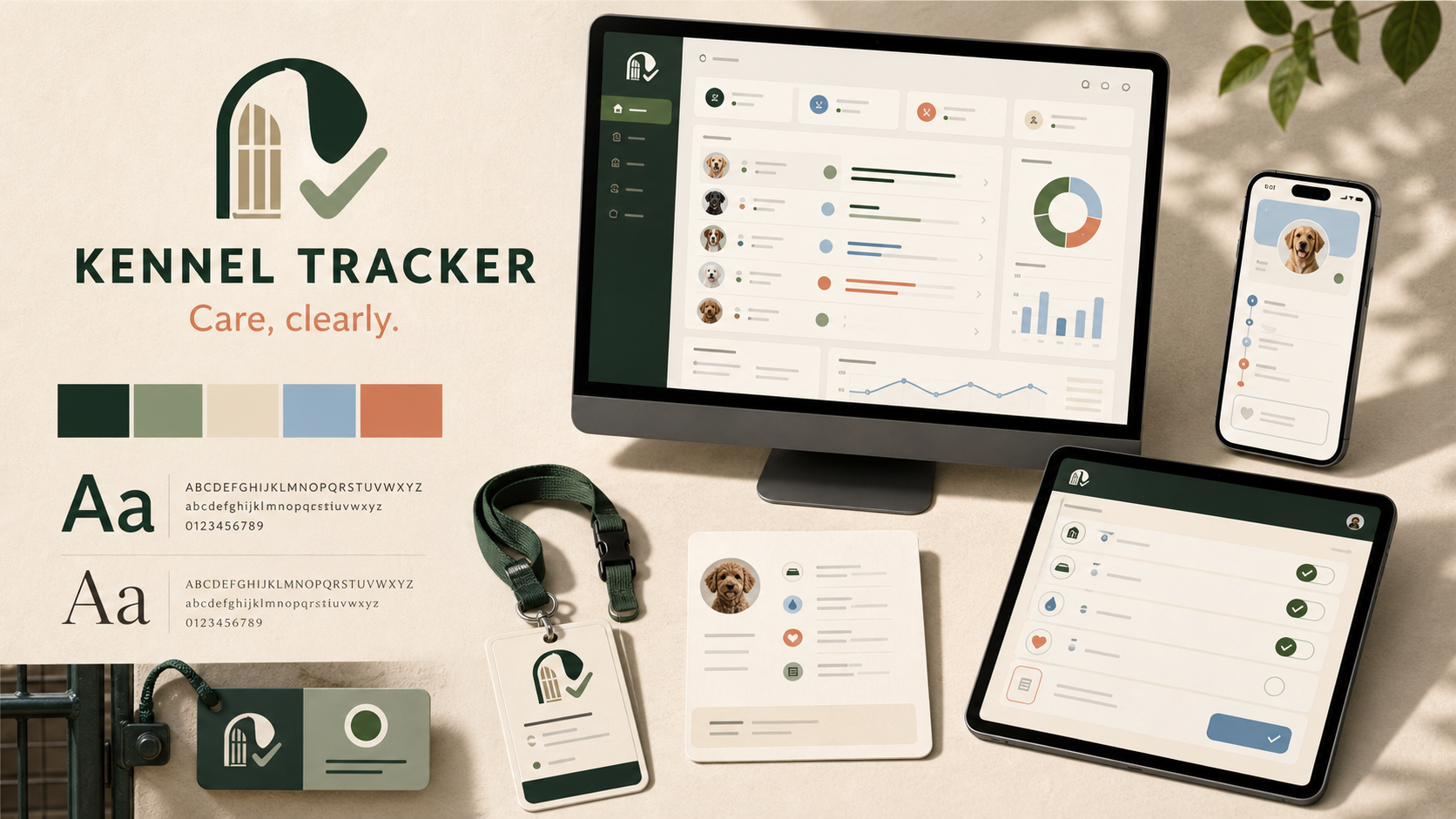
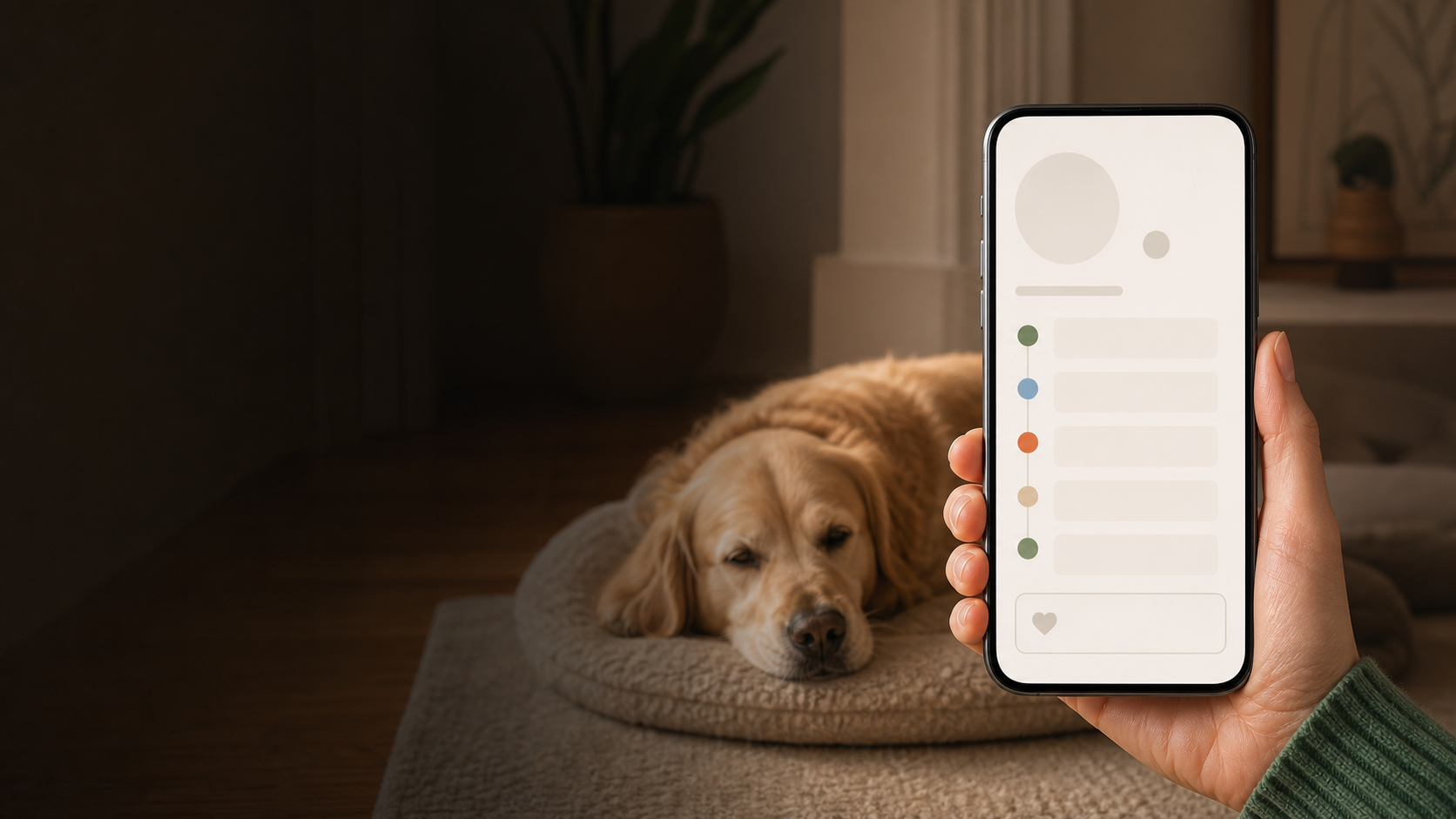 01 / Boarding + daycareKennel Tracker
Check-in, care tasks, owner updates, and checkout in one connected stay.
Open the full care demo →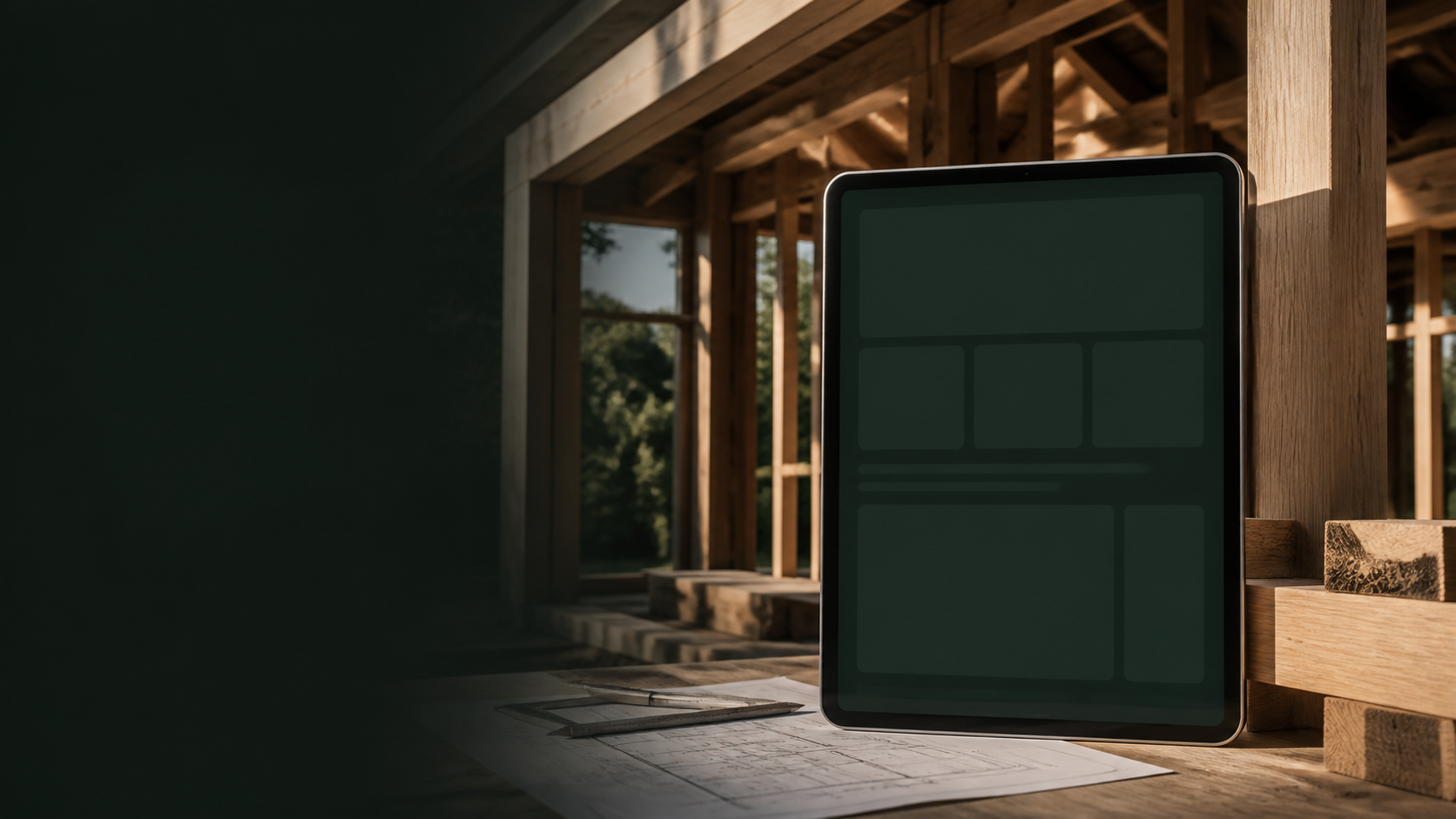 02 / Builders + remodelersBuilder Project Hub
Selections, approvals, appointments, and customer decisions in one project record.
Open the full project demo →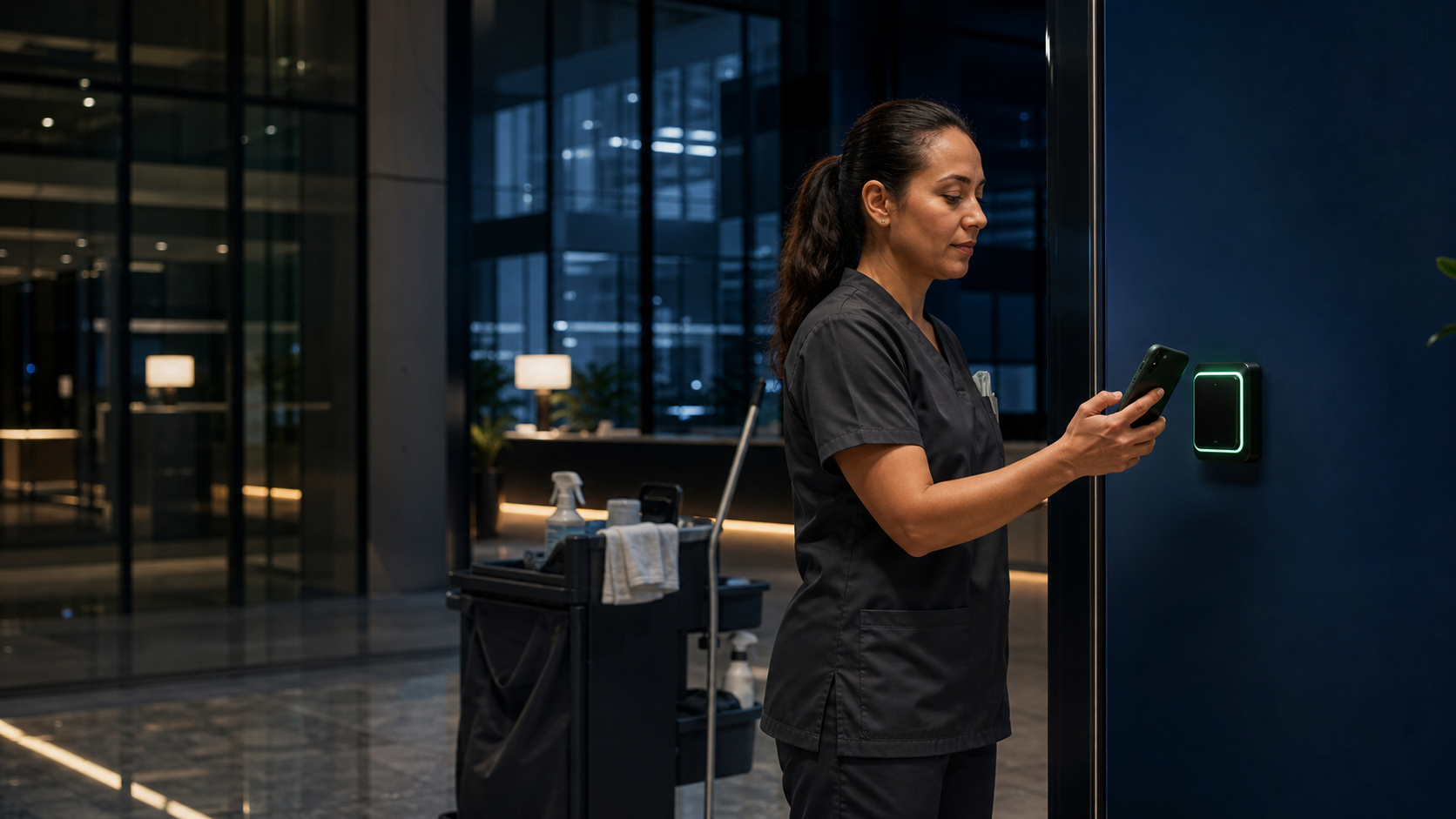 03 / Cleaning + facility serviceClearShift
Arrival, site-specific work, exceptions, inspection, and client-ready proof.
Open the full service demo →Keep a request, its replies, and its status together.
See the documented build
Explore tap-to-check-in and connected gym activity.
Discuss a gym workflowFive demonstration concepts, not deployed customer work.
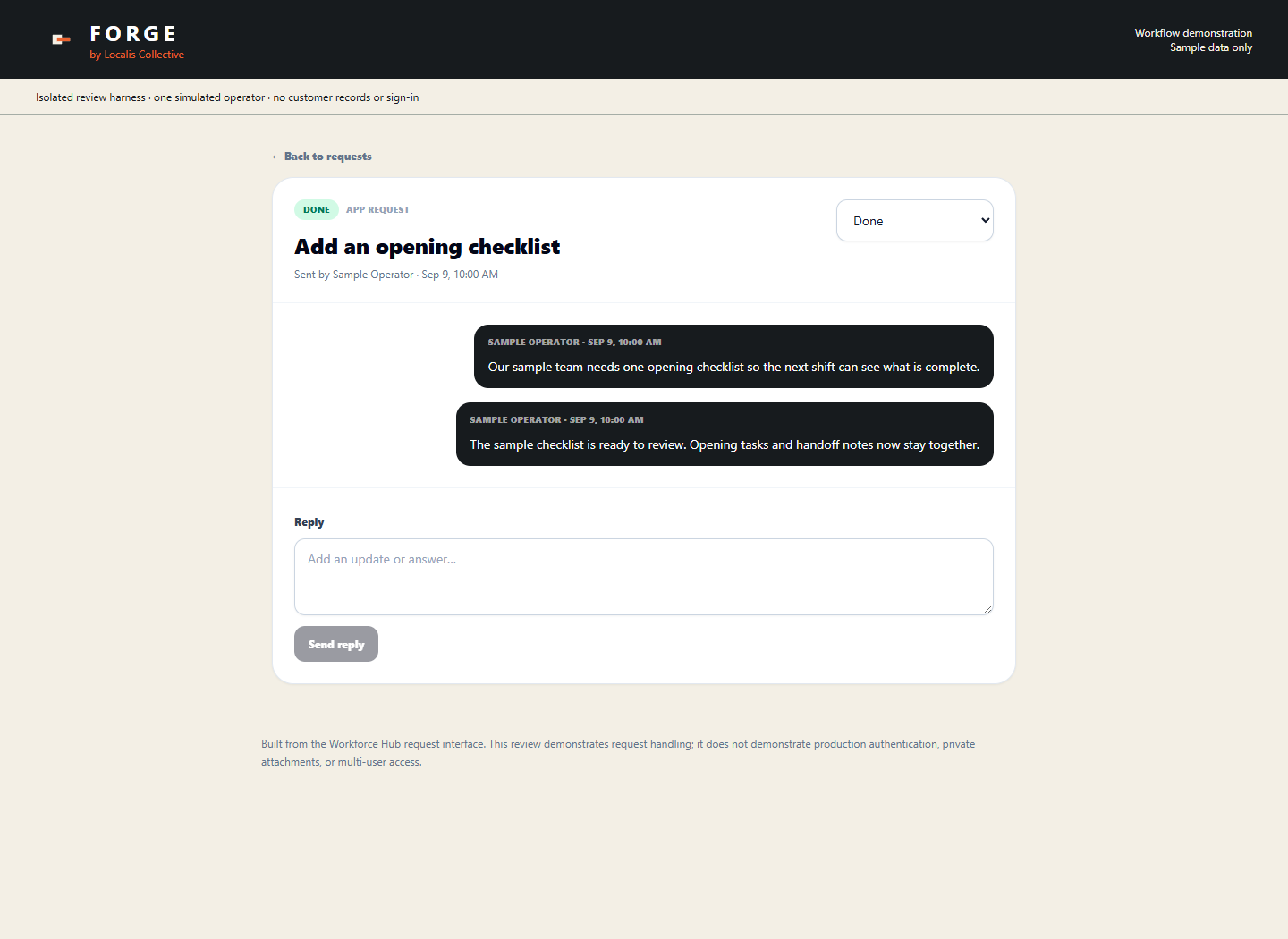
Instead of looking through texts for the latest answer, open the request and see its status and replies together.
This screenshot comes from Workforce Hub’s actual request interface, presented with Forge branding. In a desktop and mobile review, a sample request moved from submission to In progress, received a reply, and was marked Done.
The review used sample data and simulated API responses. It is interface evidence, not a deployed client system or a customer-results claim.
Read the build decisions, testing, and limitationsChoose one goal: less duplicate entry, fewer missed follow-ups, or clearer customer updates.
Cut busywork, remove slowdowns, and make the next step clear.
Less busywork · fewer handoffs · clear next stepsCut waste, protect profit, or help bring in more business.
Lower costs · better follow-up · more salesMake it easier for customers to get answers, approve work, and keep moving.
Clear updates · easy decisions · better service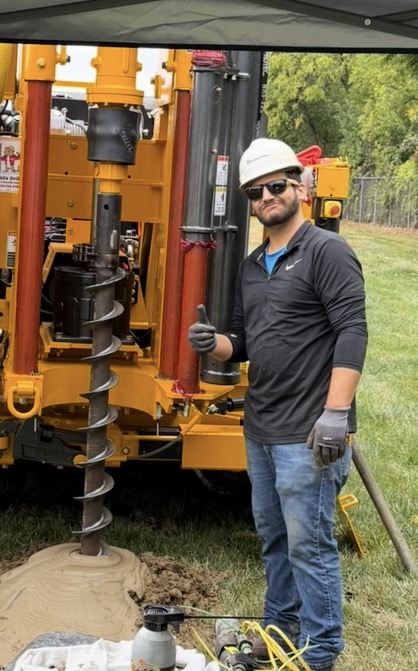 Jon White · Founder, Localis Collective
I bring 10 years of sales experience across multiple industries, most recently geotechnical drilling. My operations background includes management roles in restaurants and a catering service, and my current work is closely tied to operations. I’ve also built a new revenue stream for an existing business from scratch.
Meet Jon and read the approachWe build custom workflow software, automation, and connected tools for local service businesses. We start by reviewing one business process and its tools, then implementing one agreed improvement.
No. Tell us what is slow, expensive, confusing, or frustrating.
The $1,500 USD package includes a review of one business process and its tools, one agreed working improvement, one walkthrough, one revision round, and a prioritized next-step plan. Any included live connection is checked for feasibility before commitment and tested end to end. Scope and delivery date are confirmed before payment.
We walk through the result and your prioritized next-step plan. One revision round within the agreed scope is included. Further improvements, a larger custom build, and ongoing support are quoted separately.
No. We may use software, automation, NFC, RFID, QR, sensors, hardware, or a mix.
Often, yes. We keep what works and replace only what needs to change.
We agree on a clear goal first, then track whether the tool reaches it.
Or call now: 317-779-1662
Spend 15 minutes on one repetitive task and the tools you use. You’ll get a short recap with one practical recommendation. No account access, custom build, or purchase required. If deeper work would help, the systems review and first working improvement is $1,500 USD, with scope confirmed before payment.
We collect only what we need to reply and do the work you approve. We do not sell personal information for money, and optional ad measurement stays off unless a visitor allows it.
We agree with you before connecting any other business data.
We use information only to reply, plan, build, and support work you approve.
Needed services such as hosting and email get only the data required to do their job.
We keep information only as long as needed. You can ask us to correct or delete what you shared when the law allows.
Localis Pulse: If Pulse is included, we agree on what it measures before launch. It tracks use and results—not messages, reviews, or unrelated content.
We may also share information when the law requires it or when needed to prevent fraud, misuse, or harm.
Privacy questions: Jon.white@localiscollective.com
Keep feeding, medications, care tasks, staff handoffs, owner updates, and the final stay summary in one clear place.
The right check-in opens with the right pet already attached.
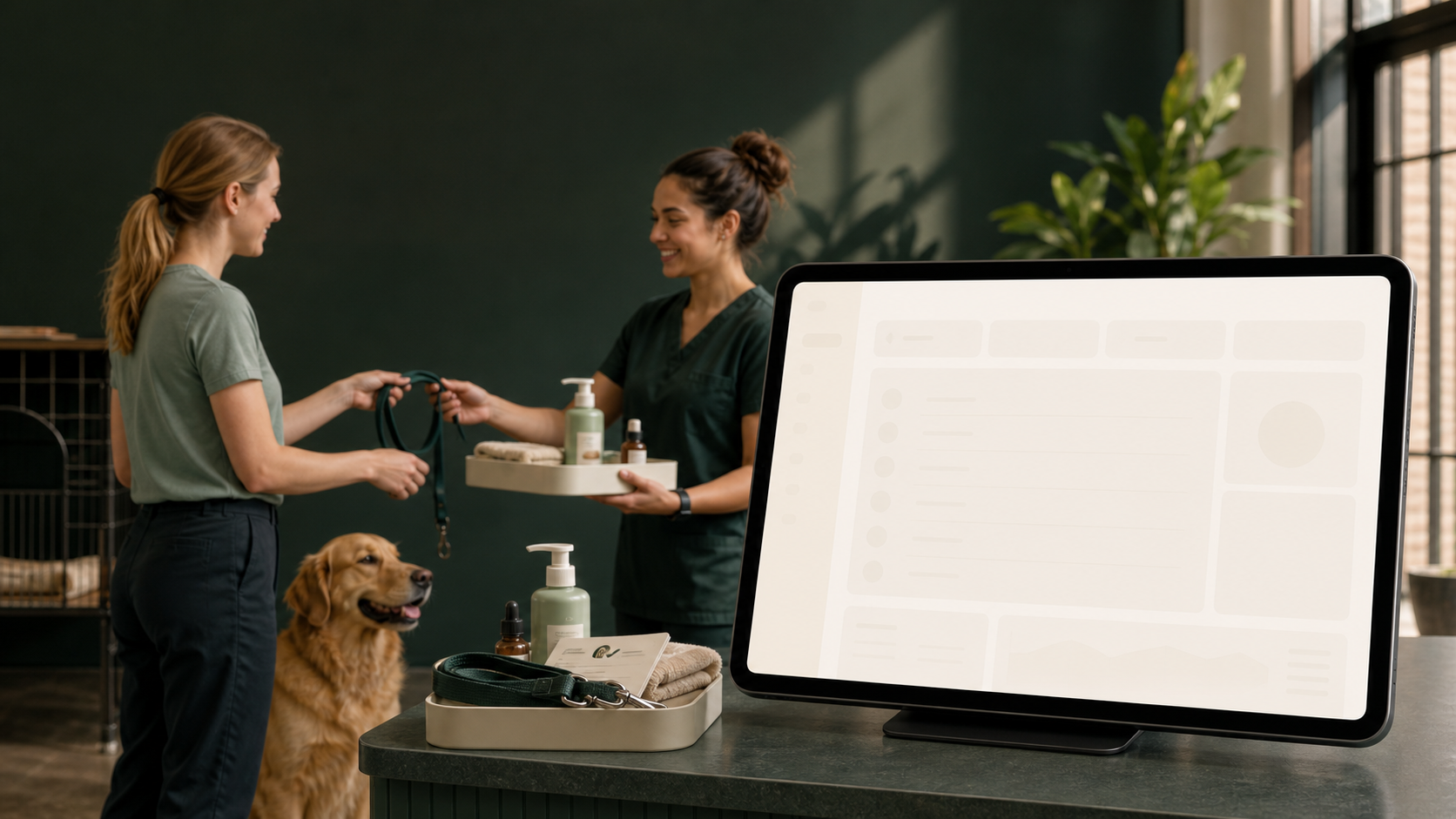
Schedules, notes, and proof move with the team.
A calm update turns time apart into trust.
Keep selections, approvals, appointments, progress, and customer questions together instead of chasing them through texts and email.
We shape the workspace with the people who will actually use it.
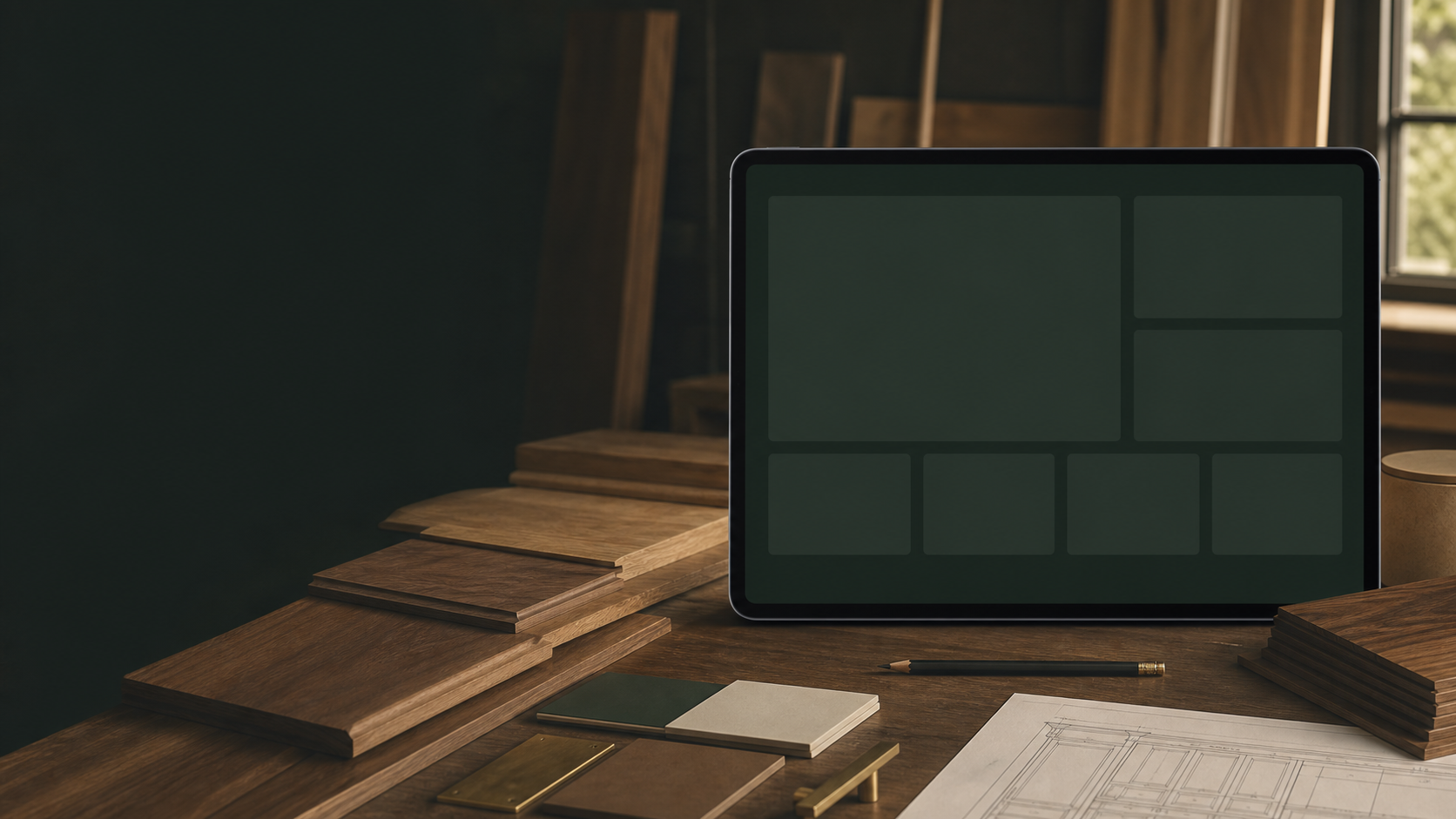
Appointments, selections, and approvals stay in one calm view.
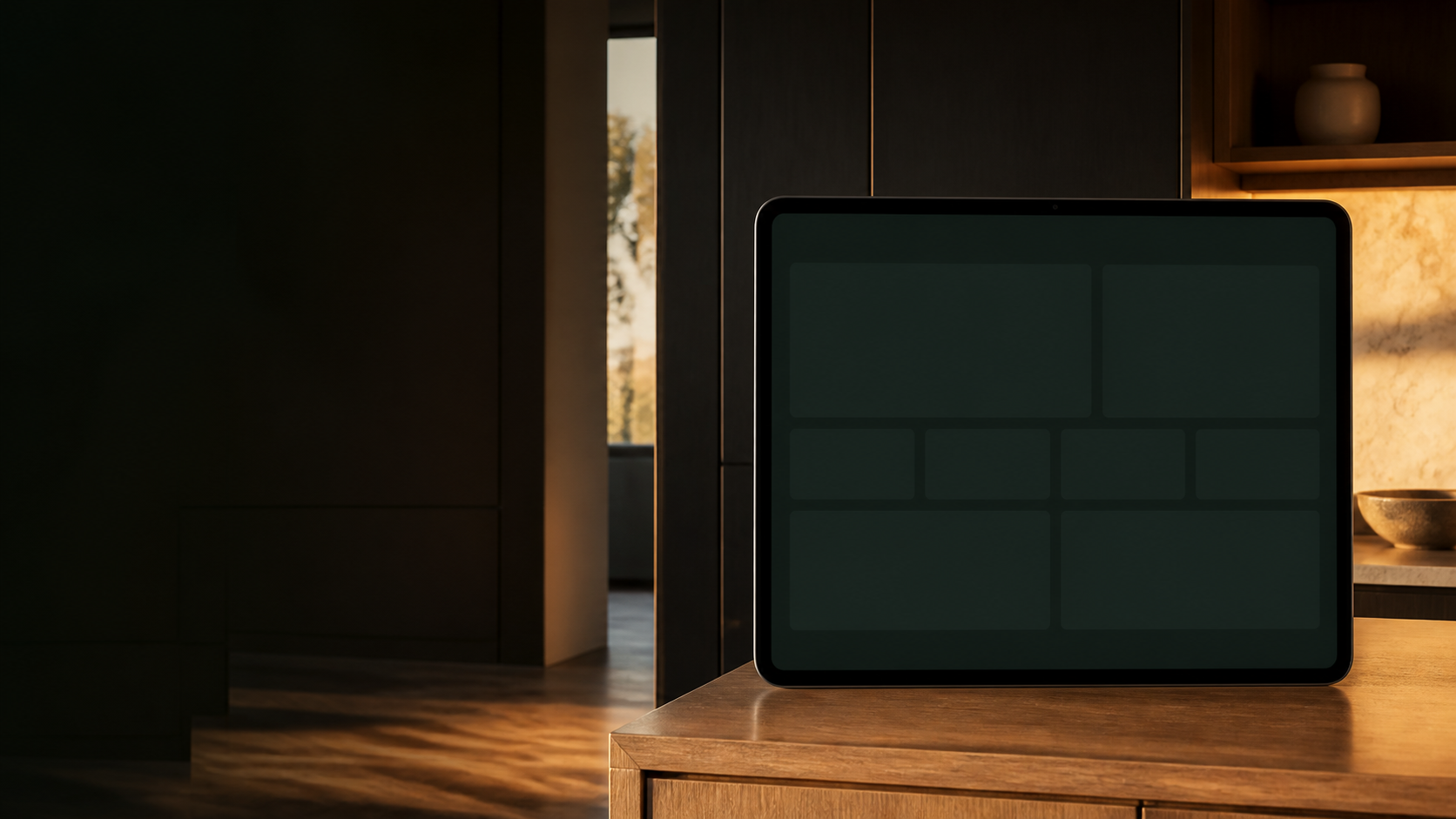
Clients always know what’s next—and what needs them.
We look at four parts of the business.
Keep follow-ups, approvals, and daily decisions from living in one person's head.
That might be software, automation, NFC, RFID, connected hardware, or a mix.
Organize information, improve handoffs, and automate repeat work.
Localis Pulse illustrates how we could check whether a tool is being used and where the workflow still needs work. Measurements are chosen for each project.