Built forCommercial cleaning + multi-site facility teams
Every site. Every shift. Accounted for.
Put site instructions, completed work, supply issues, inspections, and customer proof into one mobile flow built around the way your team actually moves.
See the shift ↓ Demonstration concept · not deployed client software
SITE CHECKPOINTCONNECTED
✓ARRIVAL VERIFIEDMercer Plaza / LobbyJordan R. · 8:56 PM
SHIFTEvening serviceSCOPE24 tasksDUE11:30 PM
Open this site’s work plan →
Right site. Right instructions.
01The work matches the siteInstructions and checklists open for the location and shift.
02Exceptions become visibleDamage, supplies, and missed work reach the right person.
03The customer gets proofCompleted work and inspections become a clean service record.
One service shift / four records
From arrival to proof.
Move through the demonstration. Each step captures what happened without asking the field team to write a report from scratch.
ARRIVE / 01
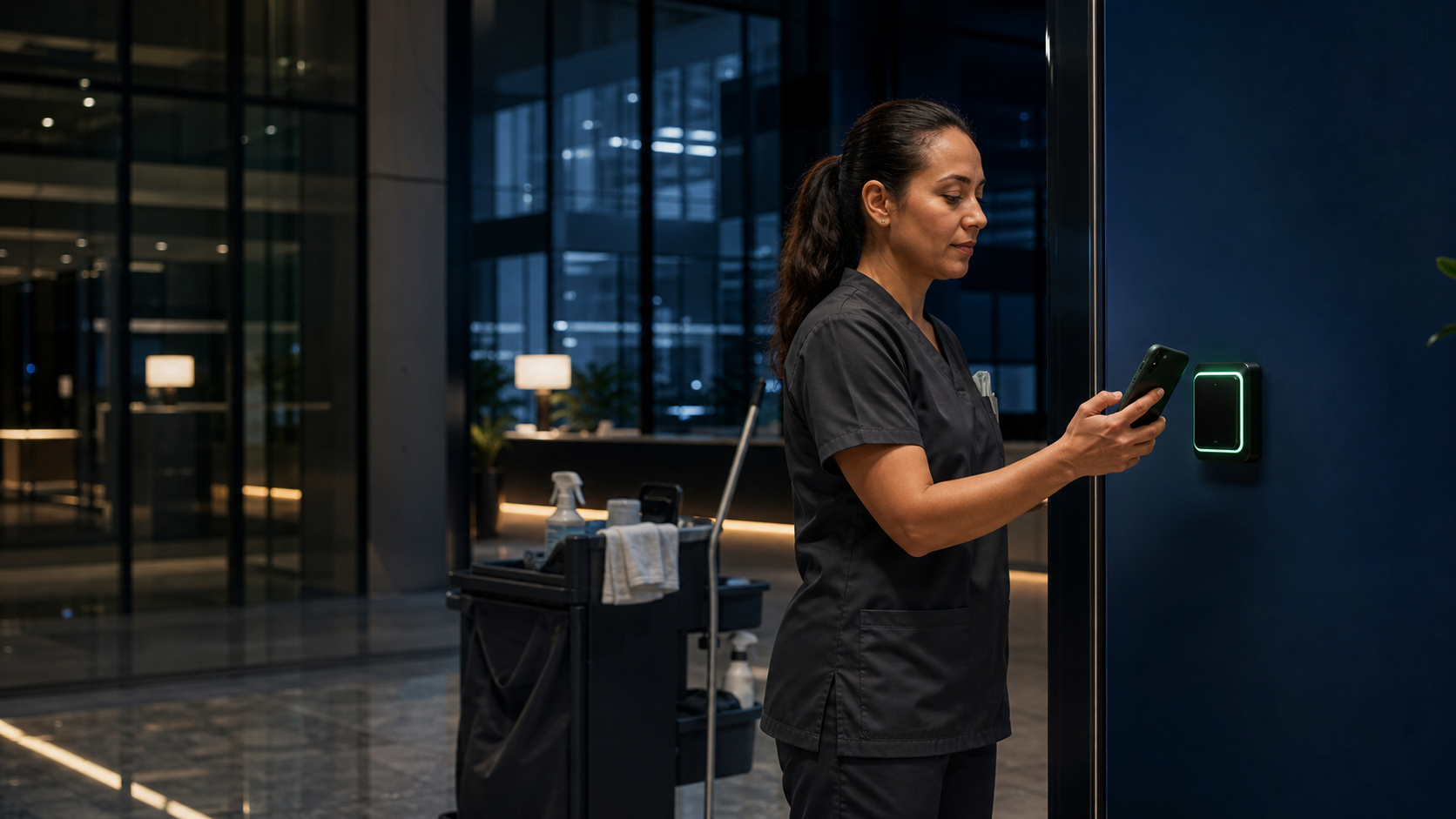
Tap the site. Start with the right work.
A phone tap or scan identifies the location, worker, arrival time, and exact service plan for that shift.
8:56● ● ●
GOOD EVENING, JORDAN
Mercer Plaza1200 North Meridian · Lobby
✓Checkpoint verified
SHIFTEveningTASKS24BY11:30
COMPLETE / 02
The SOP lives where the work happens.
Each person sees the rooms, tasks, and standards assigned to their shift—with progress visible as they move.
WORK VERIFIED5 service areas8 time records · 7 required photosINSPECTIONPassed by site lead11:26 PM · 1 note resolvedFOLLOW-UPSoap refill scheduledBefore tomorrow’s service
CLEARSHIFT UPDATETonight’s service is complete.24/24 tasks · inspection passedOne supply follow-up is already scheduled.
You have seen the full service flow
Which site or shift is hardest to see clearly?
Start with the work plan, exception, inspection, or customer proof that takes the most chasing.
What it can improve
Fewer unknowns. More confidence at every site.
01
Service consistency
Put the correct scope, SOP, and required evidence in front of the person completing the work.
02
Faster field visibility
Let supervisors see progress, exceptions, and follow-up without calling every person on the shift.
03
Customer trust
Turn completed service and inspection activity into a clear record customers can understand.
Demonstration scope
Start with one shift. Shape the system around your sites.
ClearShift is a provisional brand and demonstration concept. The screens show a possible operating flow—not results from a deployed customer system.
SHOWN IN THIS DEMO
Site tap or scan check-in
Location-specific work plans and SOPs
Task completion and required evidence
Supply, damage, and service exceptions
Supervisor inspection and client report
POSSIBLE LATER CONNECTIONS
Your employee schedule or time system
Inventory and supply purchasing
Customer contracts and service scopes
Quality scores and recurring inspections
Billing, payroll, or customer portals
Connections depend on system access, security, and the scope you approve.
The first conversation
Start with 15 minutes—not a project brief.
The first step is a phone call. Tell Jon who to call and when. You can explain the site or shift that keeps disappearing from view; we’ll identify the useful next question together.
01 Share your contact details02 Choose a good call window03 Talk through your service flow
No long application and no homework before the call. ClearShift remains a demonstration concept—not a claim of deployed client software.
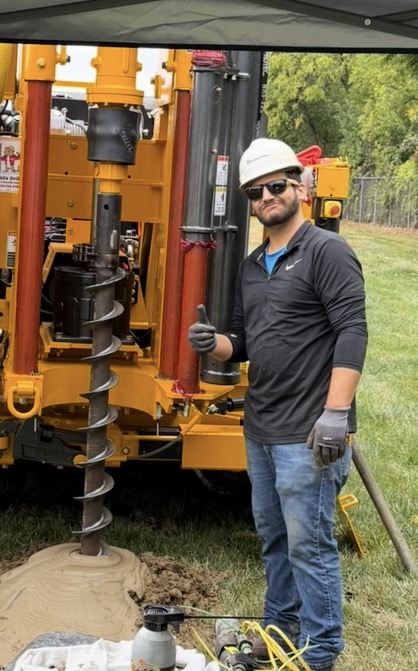
Jon White · Founder
10 years in sales, most recently geotechnical drilling, with operations management experience in restaurants and catering.
 Jon White · Founder