
One request. Its updates. A clear status.
A request can get lost when the original question, replies, and progress updates live in different messages. This interface keeps them in one record.
This is an internal interface demonstration using sample data and simulated API responses. It is not a client case study or a claim of measured business results.
Design choices visible in the build
These notes explain the tradeoffs demonstrated by the interface.
- A title and description together. The title makes a request recognizable in the list; the description preserves the context needed to act.
- Replies stay on the request. Keeping the conversation beside its status reduces the need to reconstruct what happened from separate messages.
- Explicit status changes. New, In progress, and Done distinguish receiving a request from working on it and finishing it.
- A list and a detail view. The list supports scanning; the detail view gives the conversation room without crowding every row.
- Wait for updates to finish. The status control pauses during an update. The review waits for it to become available before taking the next action.
Follow the sample request
1. Submit the request
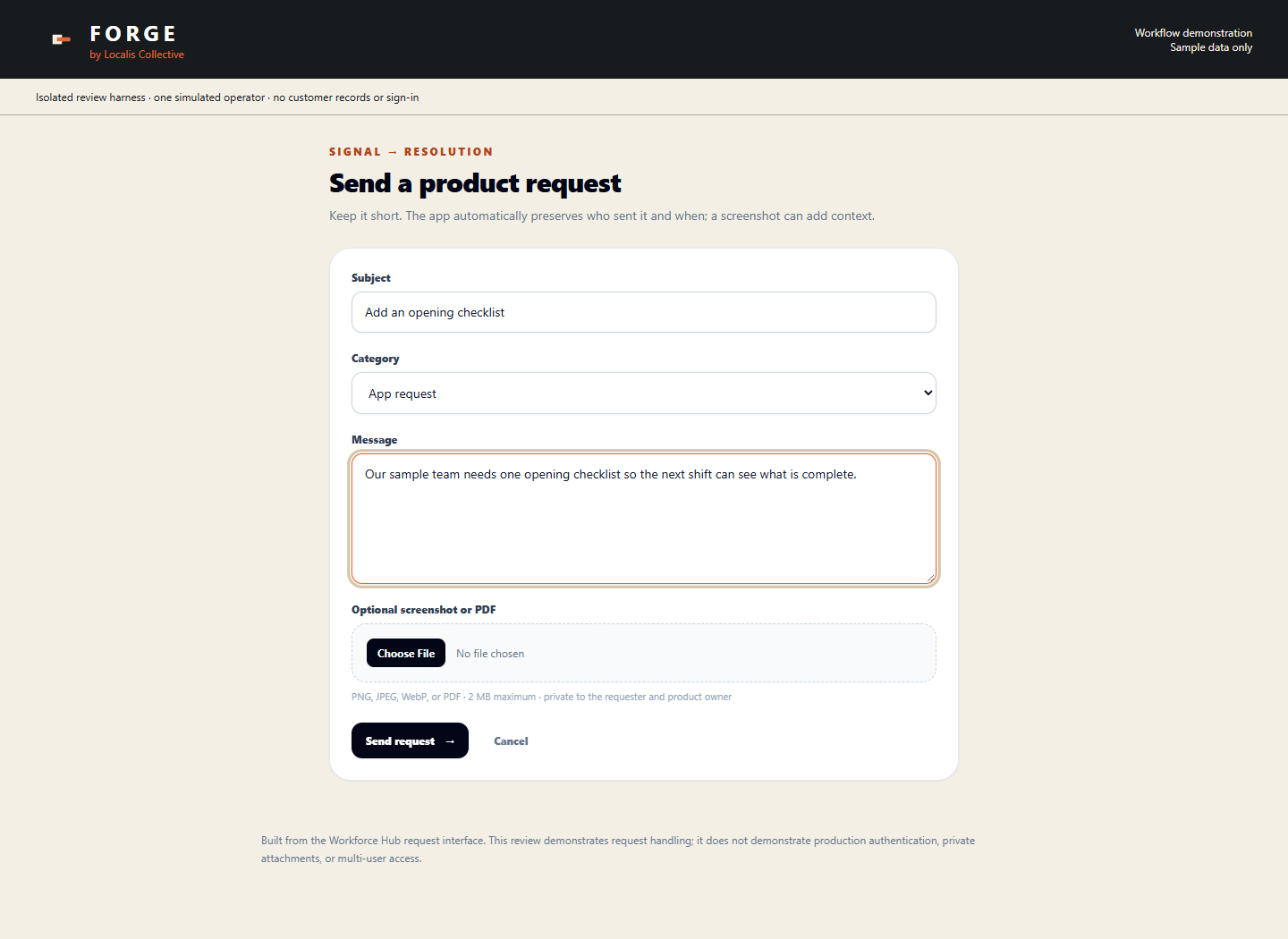
2. Keep the update with the request
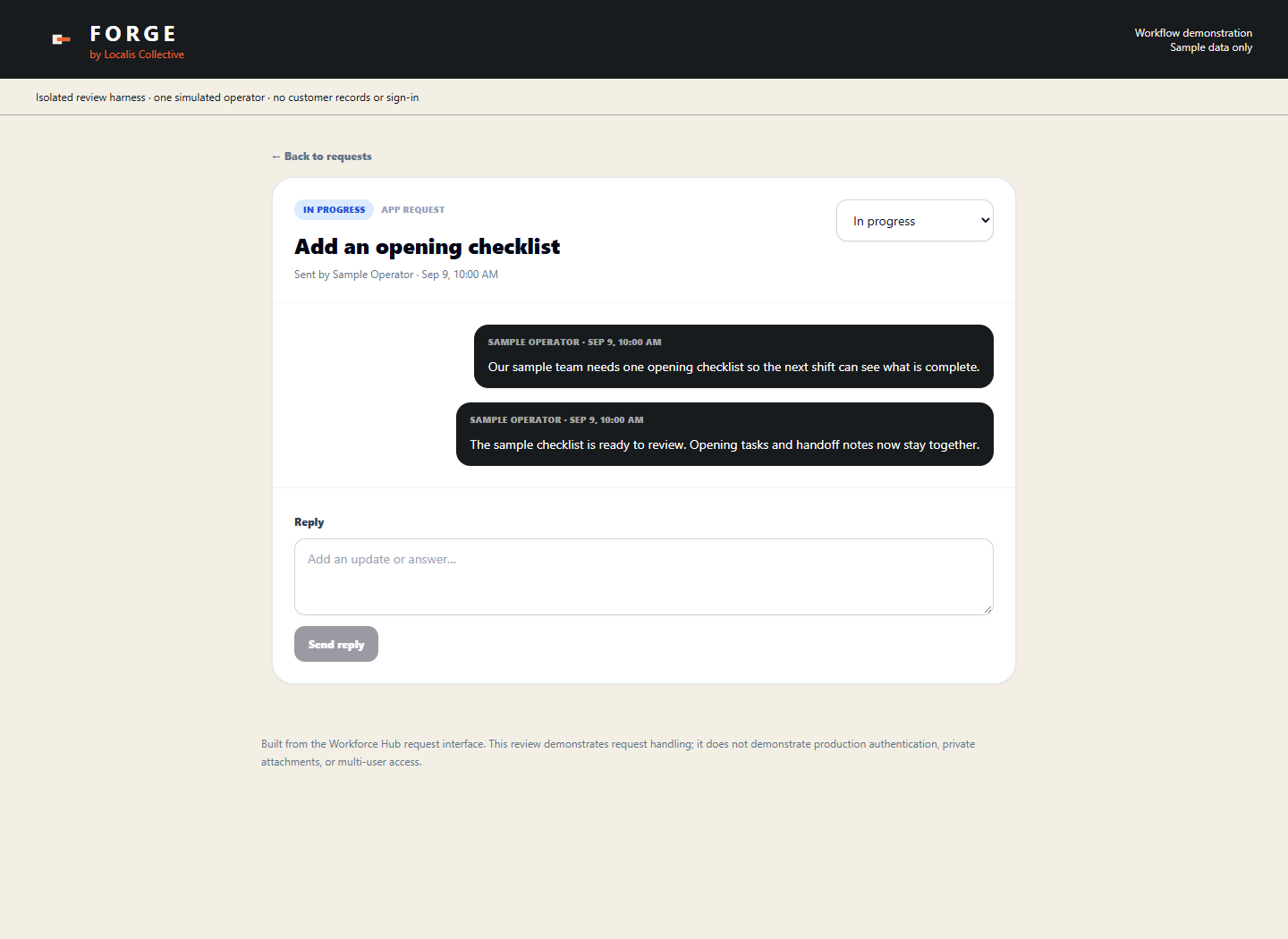
3. Mark the work Done
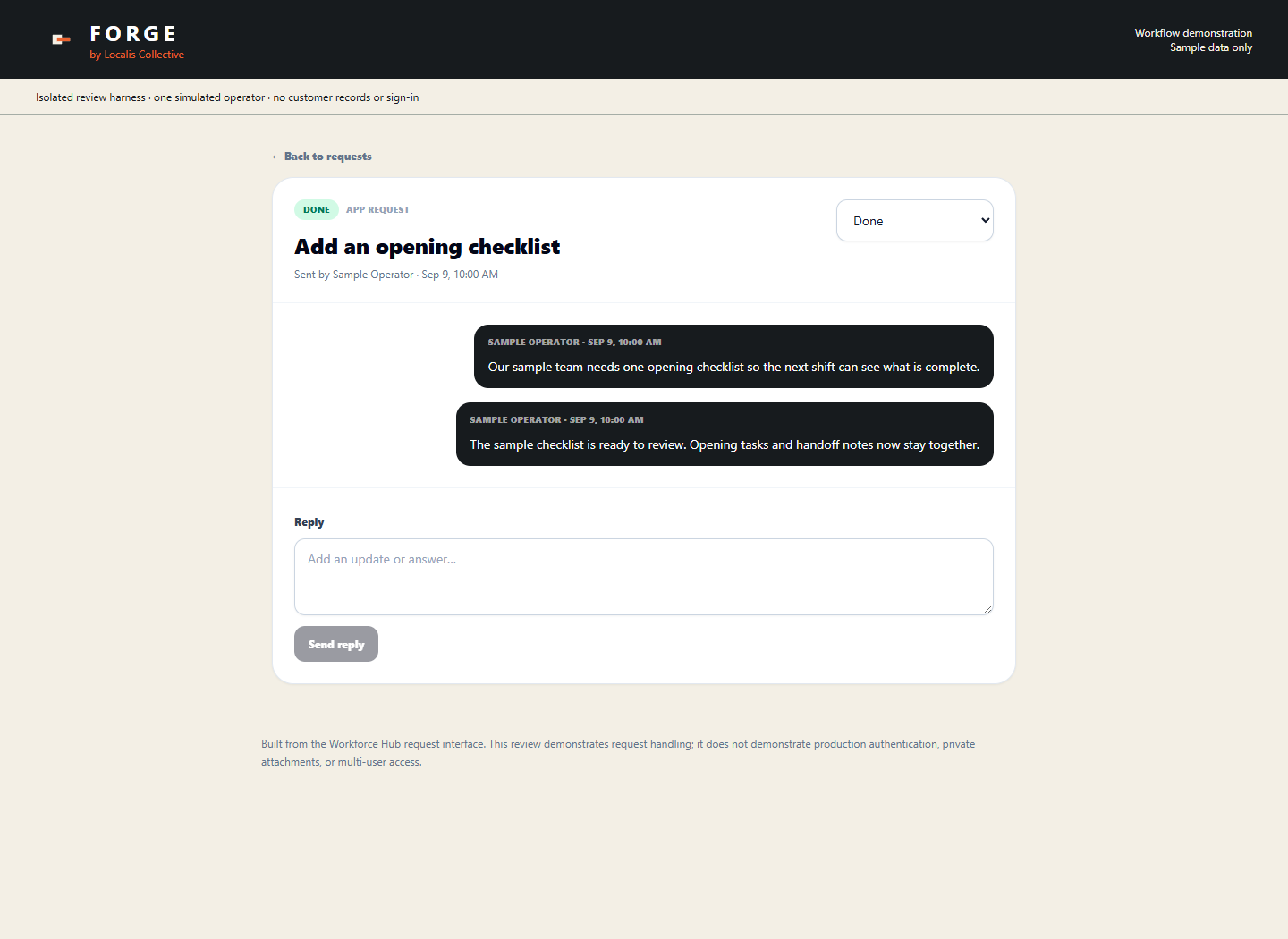
4. Return to the request list
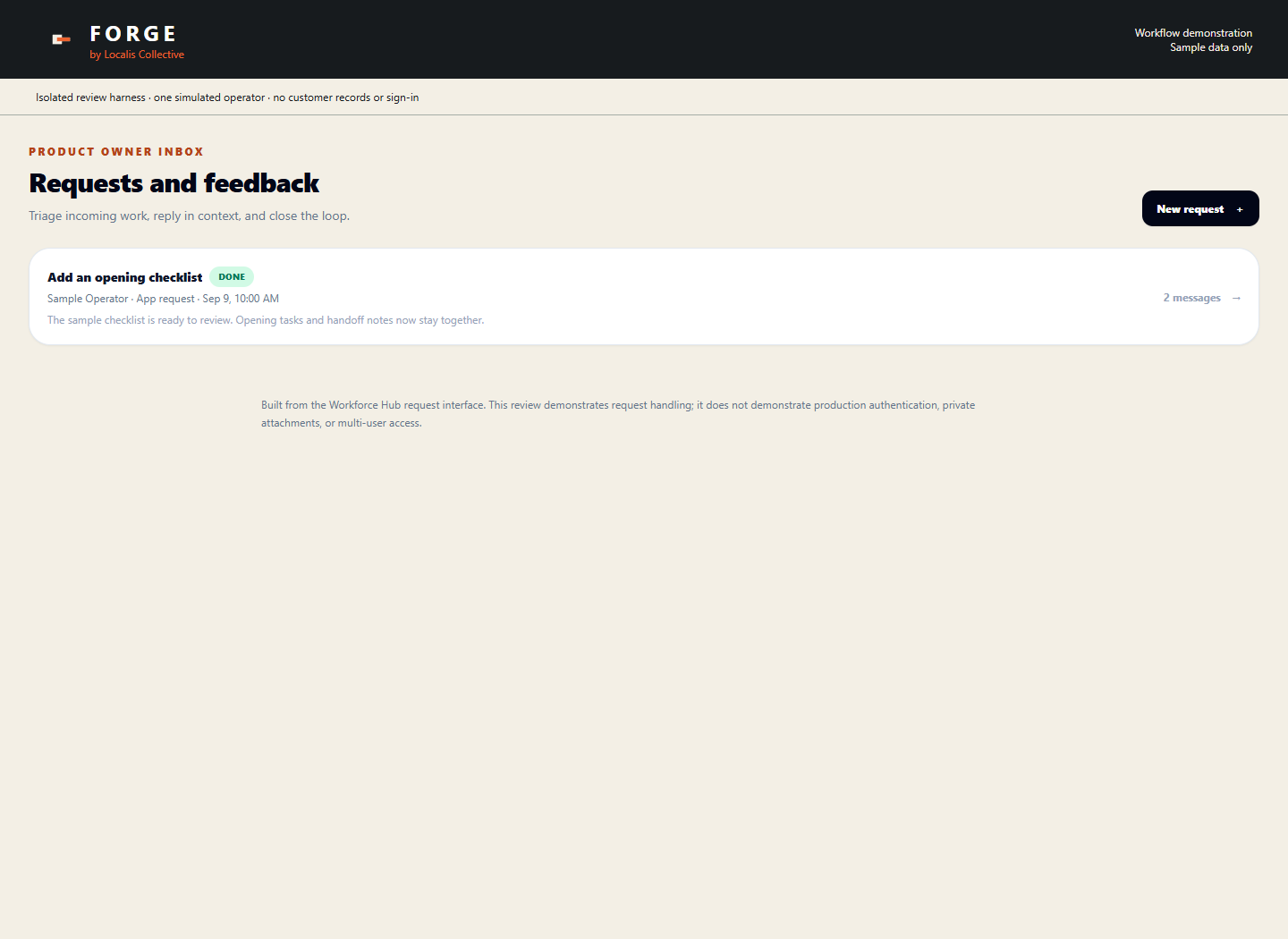
What the review tested
The existing Workforce Hub request components ran inside an isolated browser review at desktop (1440 × 1050) and mobile (390 × 844) sizes. Every network request was intercepted. A simulated API stored invented records in memory; no customer records or live systems were accessed.
At both sizes, the review submitted a request, changed its status, added a reply, marked it Done, and checked that the list displayed both messages. Those checks passed, with no page errors or horizontal overflow.
Known limitations
- One simulated operator: this does not demonstrate real sign-in, roles, or access across different businesses.
- The simulated records reset between runs. Durable storage, backups, and recovery were not tested.
- Attachments and private-file access were outside the review.
- Live integrations, production performance, and customer outcomes were not tested.
A paid improvement that includes a live connection must be tested against that agreed connection. These screenshots alone would not fulfill it.
See the $1,500 systems review